

from as a place name and the origin is geocoded for you — there is no need to call geocode first. If you already have coordinates, pass location instead.
Example prompts
- “How far can I walk in 15 minutes from Liverpool Street station?” →
get_isochrone(from="Liverpool Street station, London", contours=[{time: 15}], travel="pedestrian") - “Show me the area I can cycle to in 20 minutes from my office” →
get_isochrone(location={lat: ..., lon: ...}, contours=[{time: 20}], travel="bicycle") - “What’s within a 5km drive of this warehouse?” →
get_isochrone(location={lat: ..., lon: ...}, contours=[{distance: 5}], travel="auto") - “Compare 10-minute and 30-minute walking ranges from Kings Cross” →
get_isochrone(from="Kings Cross, London", contours=[{time: 10}, {time: 30}], travel="pedestrian")
What you get back
Each contour is returned with full polygon coordinates, a vertex-count + bbox summary, and a list of named anchors inside the polygon (see below). The response also includes the origin point and travel type used. Passcompact: true to suppress the polygon coordinates and the render envelope when the caller only needs summary fields.
reachable_places — named anchors inside the polygon
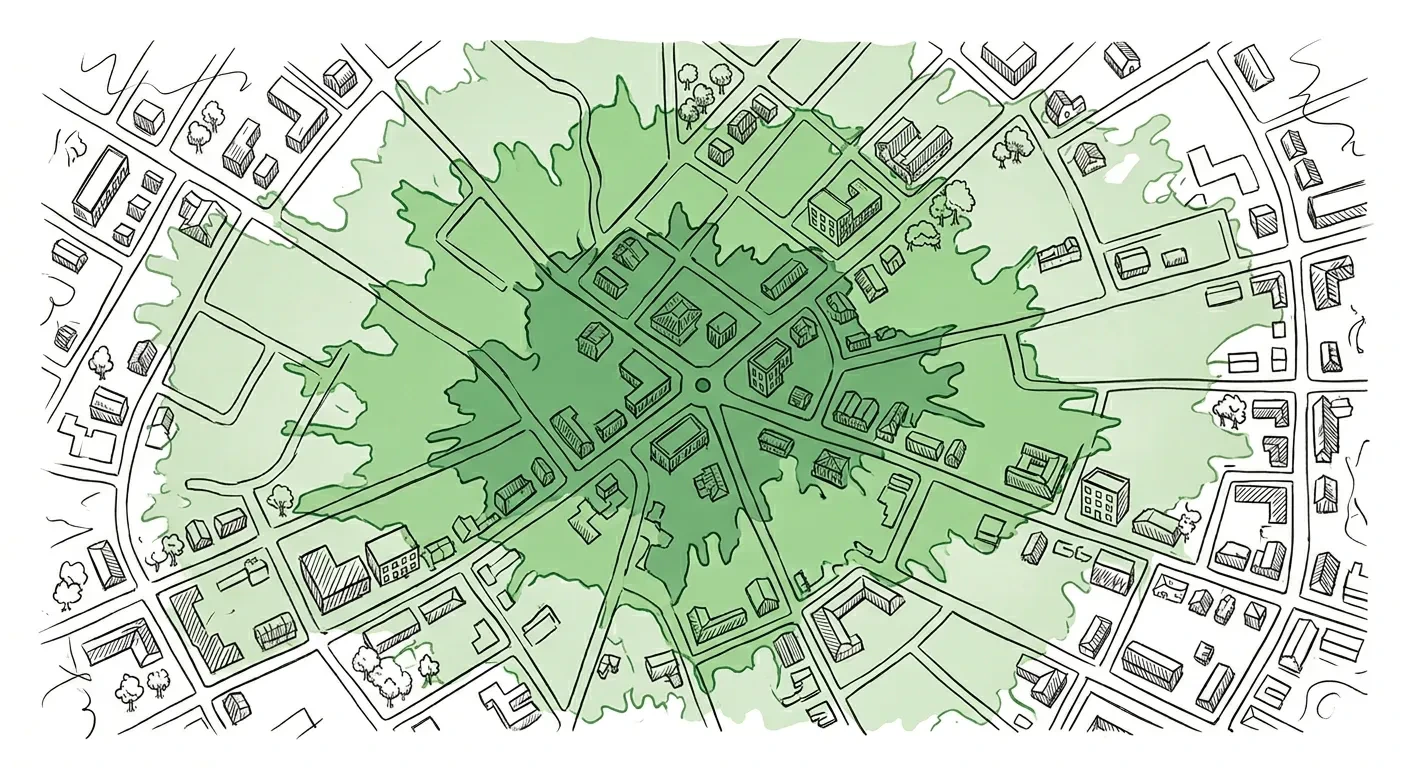
For each contour, the response includes a reachable_places array: named venues, neighbourhoods, parks, stations, and landmarks that fall inside the polygon, ordered by relevance. This turns a polygon (which an LLM can’t render) into something an LLM can actually speak:
“In 15 minutes on foot from Kings Cross you can reach Russell Square, Holborn, Camden Town and Bloomsbury.”Each place carries
name, label, place_type, and coordinates. This is best-effort enrichment: if no named anchors can be resolved for a contour, reachable_places is omitted and the rest of the response goes through unchanged.
Contour ordering
Contours are returned sorted ascending byvalue — the smallest reach first, regardless of input order. So contours: [{time: 10}, {time: 5}] and contours: [{time: 5}, {time: 10}] both produce a response with the 5-minute contour at index 0.
Map rendering
Each contour ships with a vertex-count + bbox summary plus apolygon layer per contour in the render envelope (with style_hints.contour_value carrying the contour’s value for gradient ordering). Drop the layers straight into your map library. Pass compact: true for summary-only responses. See response defaults & controls and render envelopes.